How backups work in CHPanel (and how to restore)
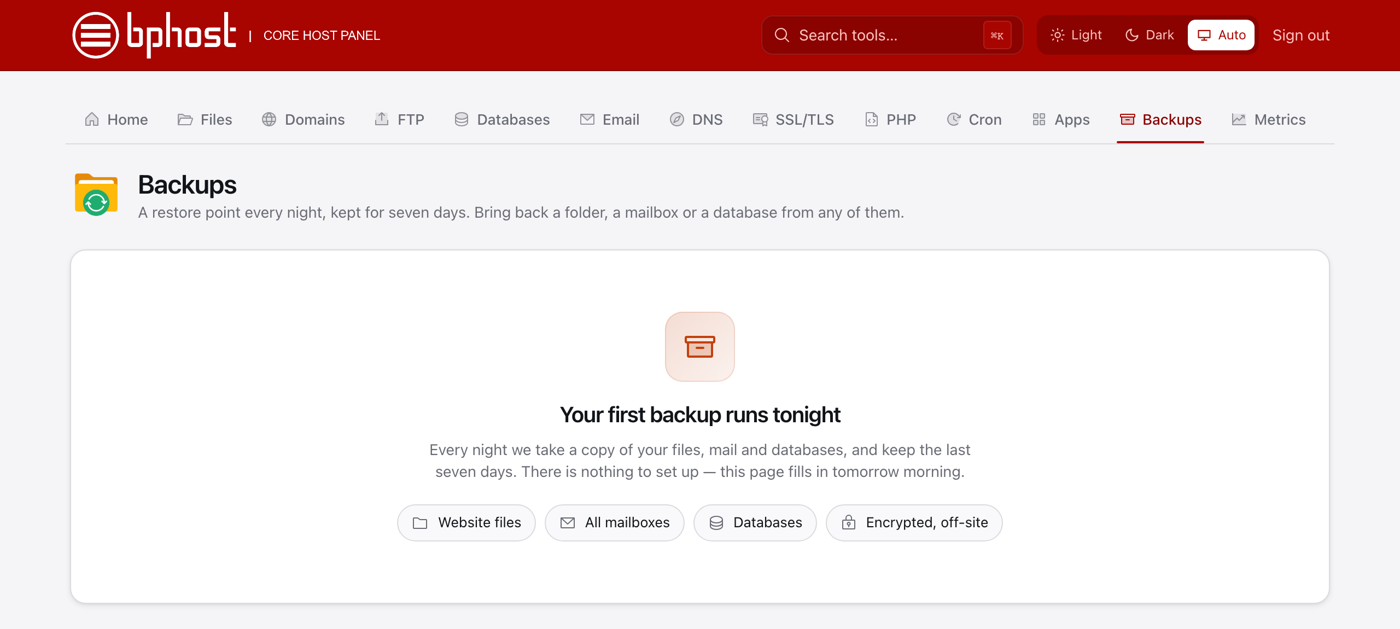
CHPanel backs up your account automatically every night, so you can roll back if something goes wrong — there is nothing to switch on. Here is what is backed up and how to restore.
How backups work
- A restore point is taken every night and kept for seven days.
- Each restore point covers your website files, your mailboxes and your databases.
- Backups are stored encrypted on a separate, off-site backup server.
Restore from a backup
- Sign in to CHPanel, open the Files tab and click Backup.
- On the Backups tab, pick the restore point (the night) you want to go back to.
- Choose what to bring back: website files (a folder such as public_html), a mailbox, or a database. Only that item is restored — the rest of your account is left as it is.
Keeping your own copy
There is no "download full account backup" button in CHPanel. To keep your own copy of your site, download your files with File Manager or an FTP program. For a copy of a database, use your application's own export tool, or ask us and we will send you a dump.
Trouble?
Not sure which restore point to pick, or need a full copy of your account? Open a support ticket and the BPHOST team will help.