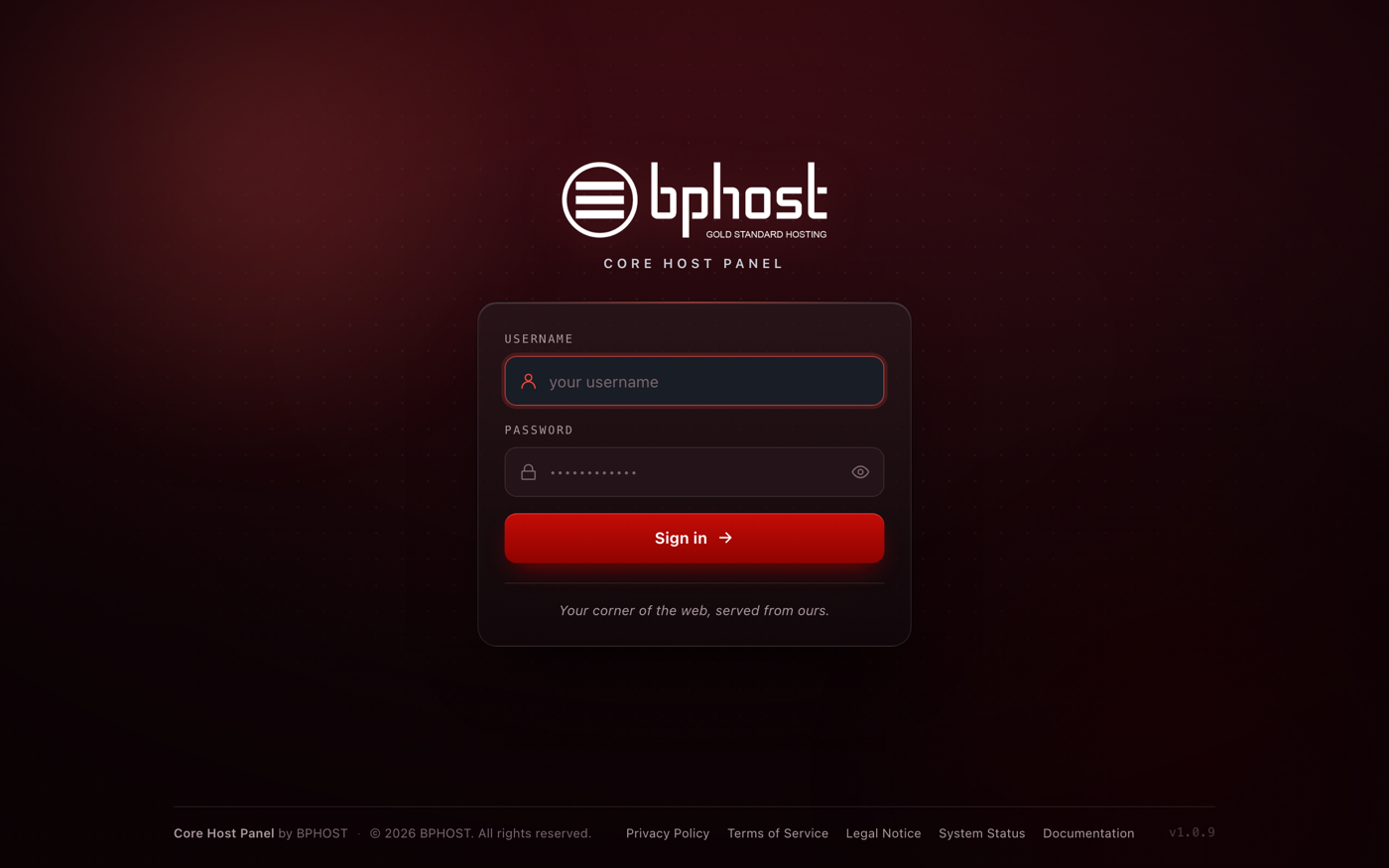
How to log in to CHPanel
CHPanel is your hosting control panel — it is where you manage files, email, databases, domains and more. Every customer signs in at the same address.
Sign in
- Go to https://chpanel.bphost.biz.
- In the Username field, type the email address on your hosting account.
- Type your CHPanel password — the one in your welcome email — and sign in.
- If Two-Factor Authentication is on for your account, enter the 6-digit code from your authenticator app. Tick Remember this browser for 30 days to skip the code on that device next time.
If you used cPanel before: the old yourdomain.co.za/cpanel address and the :2083 port no longer work. Use chpanel.bphost.biz for every account.
Not from the client area
CHPanel and your client area are separate logins with separate passwords. There is no "Login to CHPanel" button in the client area — go to chpanel.bphost.biz directly. Your client-area password will not work in CHPanel, and your CHPanel password will not work in the client area.
Trouble logging in?
- Make sure you are using your CHPanel password, not your client-area or email password.
- Type the full email address as your username.
- There is no "forgot password" link on the CHPanel login page. Lost your CHPanel password? Open a support ticket and we will reset it for you.