How to protect your website from hackers
Most hacks are automated and target easy, well-known weaknesses. Close those and you are far safer — and CHPanel gives you a few tools to help.
The basics that stop most attacks
- Update everything — WordPress core, themes and plugins from your WordPress dashboard (Dashboard → Updates). CHPanel's App Installer installs apps for you; keeping them updated is up to you.
- Strong, unique passwords — you now have separate passwords for CHPanel, the client area, each email address and your WordPress admin. Do not reuse them.
- Two-factor authentication — turn it on in CHPanel under Security → Two-Factor Authentication, and in your client area too.
- Use https everywhere — a free Let's Encrypt certificate is issued from the SSL/TLS tab.
- Run a current PHP version (PHP tab) and remove software, plugins and themes you do not use.
Extra protection in CHPanel
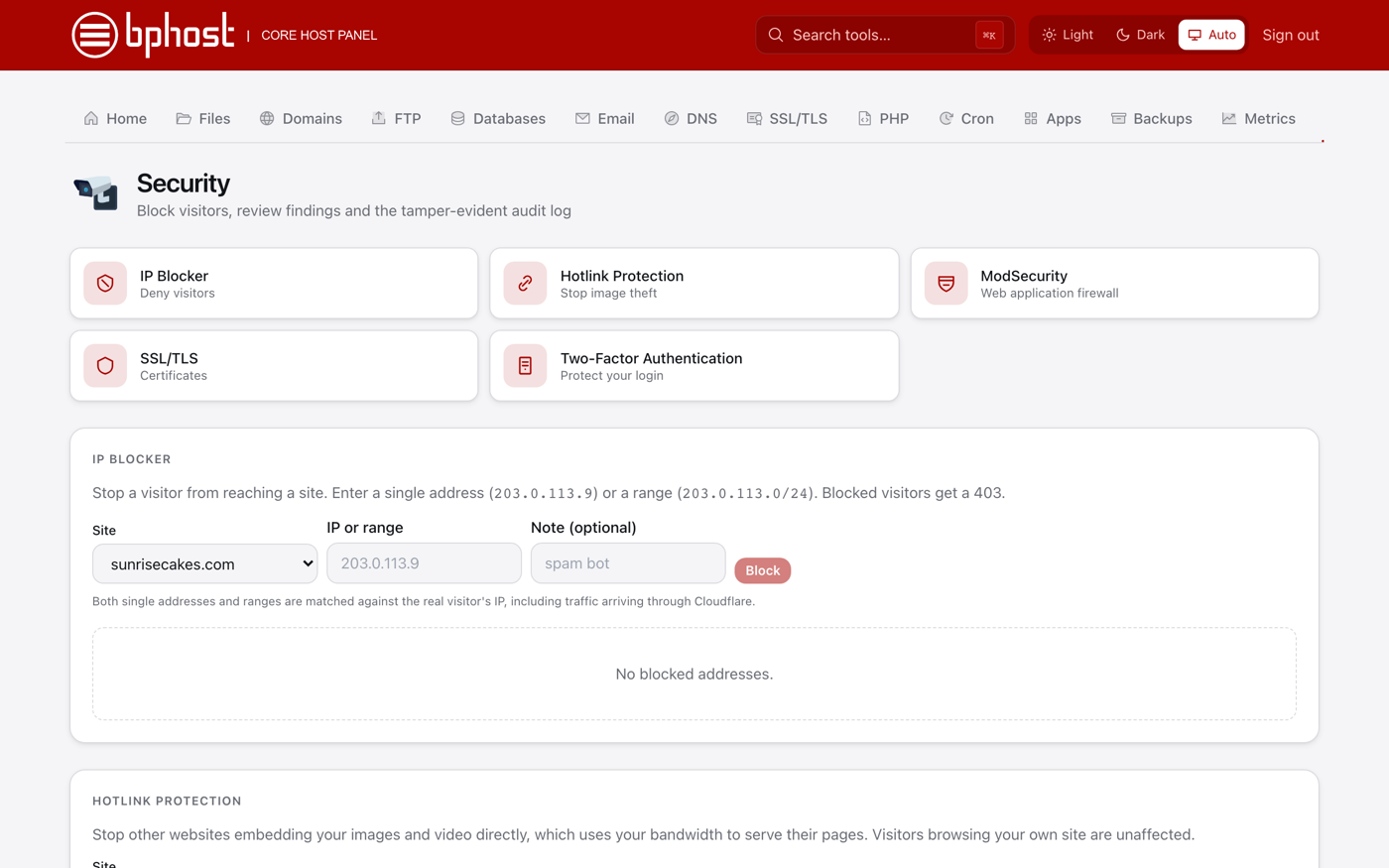
- ModSecurity (Security tab) — a web application firewall that blocks common attack patterns; keep it on for each site.
- IP Blocker — shut out repeat offenders by address or range.
- Security Advisor — findings for your account, plus a tamper-evident audit log of changes.
- Backups — a restore point is taken every night and kept for seven days, so you can roll back files, a database or a mailbox.
- On WordPress, add a security plugin such as Wordfence and limit login attempts.
Think you have been hacked?
Change your passwords (email passwords under Email → Email Accounts → Password, WordPress under Users) and open a support ticket quickly — restore points are kept for seven days, and we can help you clean up and restore from a point before the break-in.