How to enable hotlink protection
Hotlinking is when another website embeds your images directly, using your bandwidth to show them on their pages. CHPanel's Hotlink Protection stops this.
Turn it on
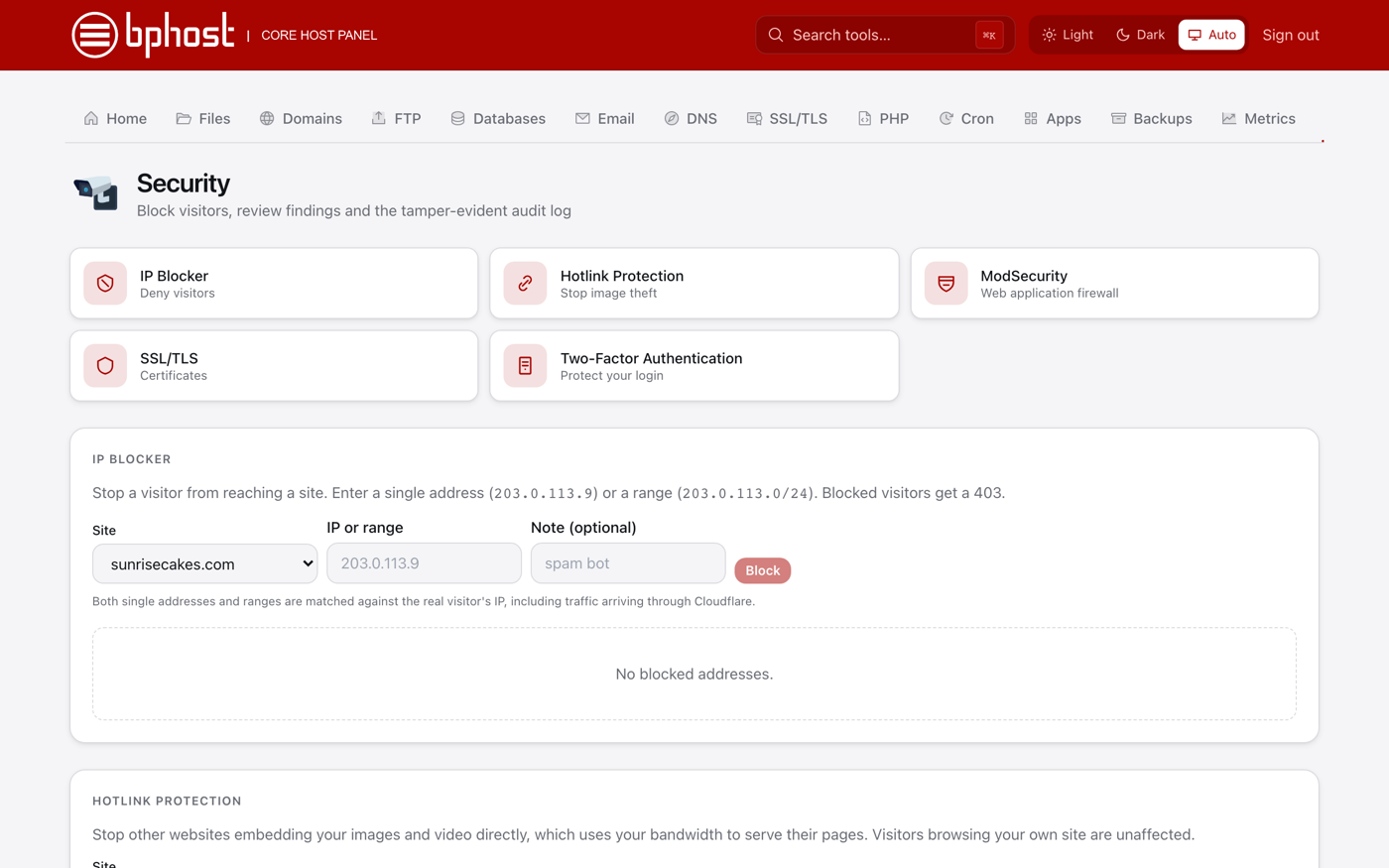
- Sign in at chpanel.bphost.biz with your hosting account email address and CHPanel password, then open Security → Hotlink Protection (also a tile under Security on the Home page).
- Follow the page to enable protection for your website. Once on, requests for your images that come from another website are refused, while your own pages keep working.
- Open your site in a browser and check that your images still load normally.
Good to know
- Visitors to your own site will not notice any difference.
- Other sites that embedded your images now show a broken image instead — which is the point.
- Some legitimate uses look like hotlinking: an email newsletter that loads pictures from your site, or a second domain of yours that shares the same images. If something like that stops working after you enable protection, switch it off again and open a support ticket — we will help you find the right setting.
Is hotlinking happening to you?
Check Metrics → Bandwidth in CHPanel. Traffic that is unexpectedly high while your own visitor numbers have not changed is the classic sign. Ask us if you would like us to check for you.