How to back up your WordPress site
A recent backup means you can recover quickly from a bad update, a hack or a mistake. On BPHOST you already have nightly backups in CHPanel; adding a plugin export gives you a belt-and-braces copy of your own.
Nightly CHPanel backups (automatic)
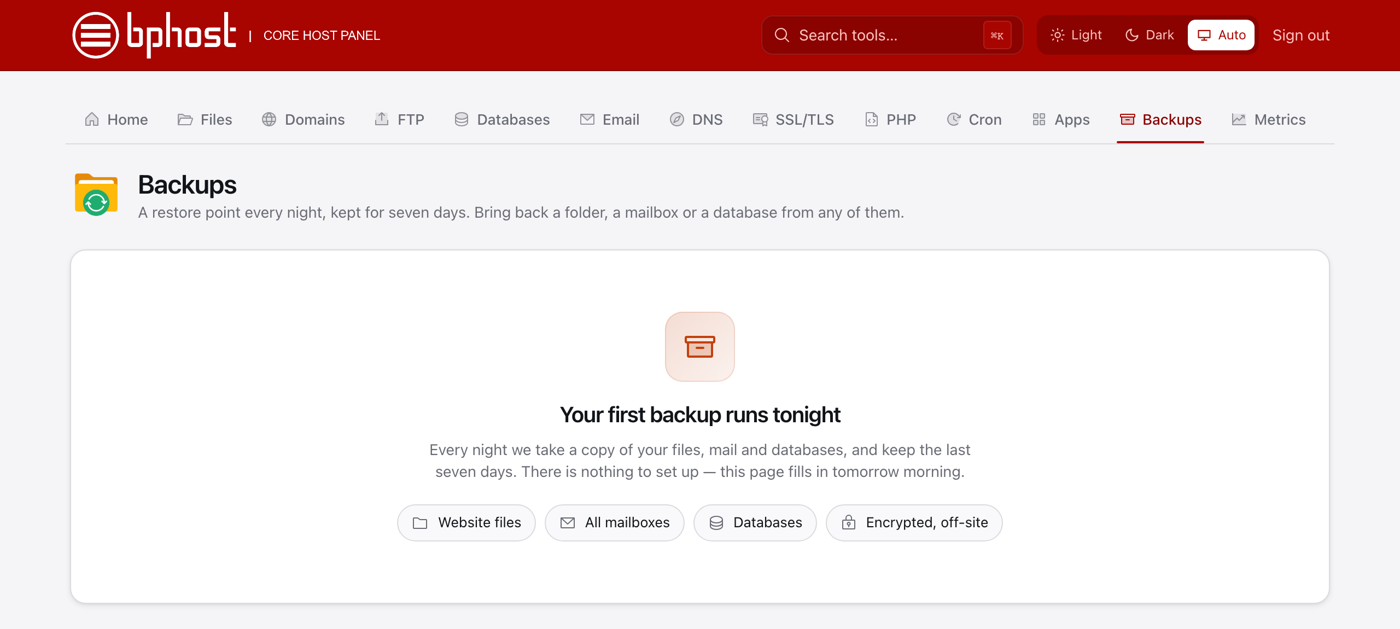
Every night CHPanel takes a restore point of your account — website files, databases and mailboxes — and keeps seven days of them, encrypted, on a separate backup server. There is nothing to switch on.
Restore WordPress from a restore point
- Sign in at chpanel.bphost.biz with your hosting account email address and CHPanel password, then open the Backups tab.
- Pick the restore point (the night) you want to go back to.
- Choose what to restore: website files (the site's public_html folder), a database or a mailbox. Everything else is left untouched.
- For WordPress, restore both the folder and the site's database from the same night so files and content match.
Option 2: a plugin export
A backup plugin such as UpdraftPlus backs up files and database on a schedule and copies them to cloud storage or your computer — a copy you control, off the server. Run one before every major change.
Golden rule
Back up before updating WordPress, themes or plugins. Note that CHPanel has no "download full account backup" button; for a complete copy of your own, download the files with File Manager or FTP and use a plugin for the database, or open a support ticket and we will help.