How to redirect one domain to another
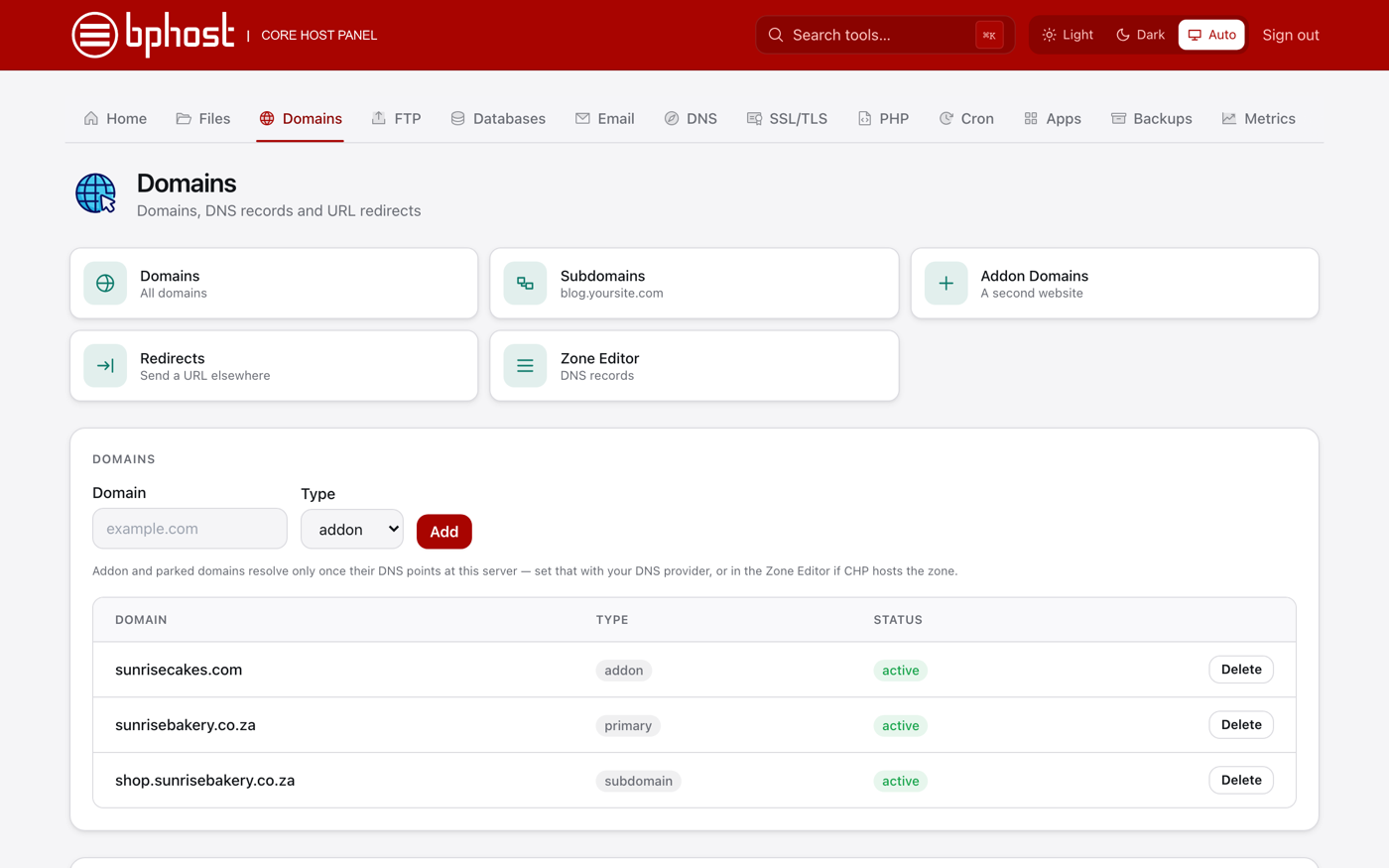
Got more than one domain and want them all to land on one website? A redirect sends visitors who type the extra domain straight to your main site. In CHPanel this is done under Domains.
Step 1: add the extra domain to your account
- Sign in at https://chpanel.bphost.biz with your CHPanel login.
- Click the Domains tab, then Addon Domains. Enter the domain, choose a PHP version and click Add.
- Point the domain at BPHOST: set its nameservers to ns1.bphost.biz and ns2.bphost.biz at the registrar, or create an A record at your DNS provider pointing at the server IP shown in CHPanel. The redirect only works once the domain resolves to our server.
Step 2: create the redirect
- On the Domains tab, open Redirects.
- Pick the extra domain as the site.
- Enter / as the source path. Tick the wildcard option so every page under the domain redirects, and the www option so www. works too.
- Enter the target URL, for example https://www.yourdomain.co.za/.
- Choose permanent (301) if the move is for good — better for search engines — or temporary (302) if you may change it back, then save.
Other options
Some registrars offer URL forwarding in the domain's DNS settings — handy if you do not want the domain on your hosting at all. To redirect a single page or folder rather than a whole domain, use the same Redirects tool with that path (for example /menu) as the source.
Trouble?
If the redirect does not fire, check that the domain's DNS has finished pointing at BPHOST — it can take a little while. Need a hand pointing several domains at one site? Open a support ticket.