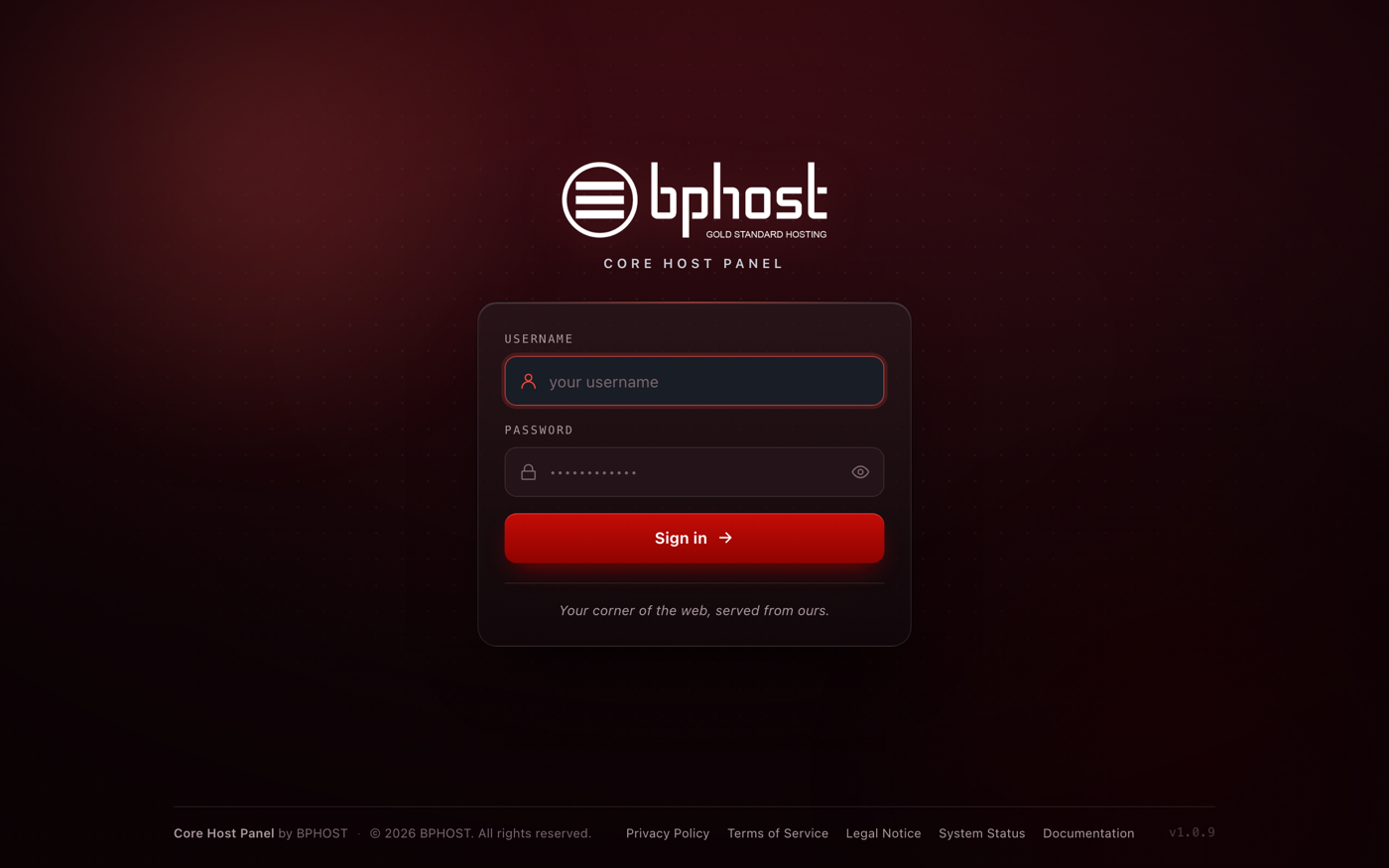
How to log in to your client area and CHPanel
There are two places you log in to manage your BPHOST services: your client area (billing, invoices, domains and support) and CHPanel (your website, email and files). They are two separate logins with two separate passwords, and there is no button that takes you from one to the other.
Logging in to your client area
- Go to www.bphost.biz/my.
- Enter the email address and password you chose when you signed up.
- Click Login. Your dashboard shows your services, invoices, domains and tickets.
Forgotten this password? Use the password reset page and we will email you a reset link.
Logging in to CHPanel
- Go to chpanel.bphost.biz — the same address for every customer.
- In the Username field, type the email address on your hosting account.
- Enter your CHPanel password from your welcome email and sign in. If you have turned on Two-Factor Authentication, you will also be asked for the 6-digit code from your authenticator app.
Your client-area password will not work here, and your CHPanel password will not work in the client area. There is also no "forgot password" link on the CHPanel page: if you have lost your CHPanel password, open a support ticket and we will reset it for you.
Keep your details safe
Your welcome email holds your CHPanel login. Store it securely and never share your passwords — BPHOST staff will never ask for them.