Understanding your BPHOST welcome email
When your hosting account is set up, BPHOST sends a welcome email with the details you need to get going. Here is what is inside and what to do with it.
What is in the email
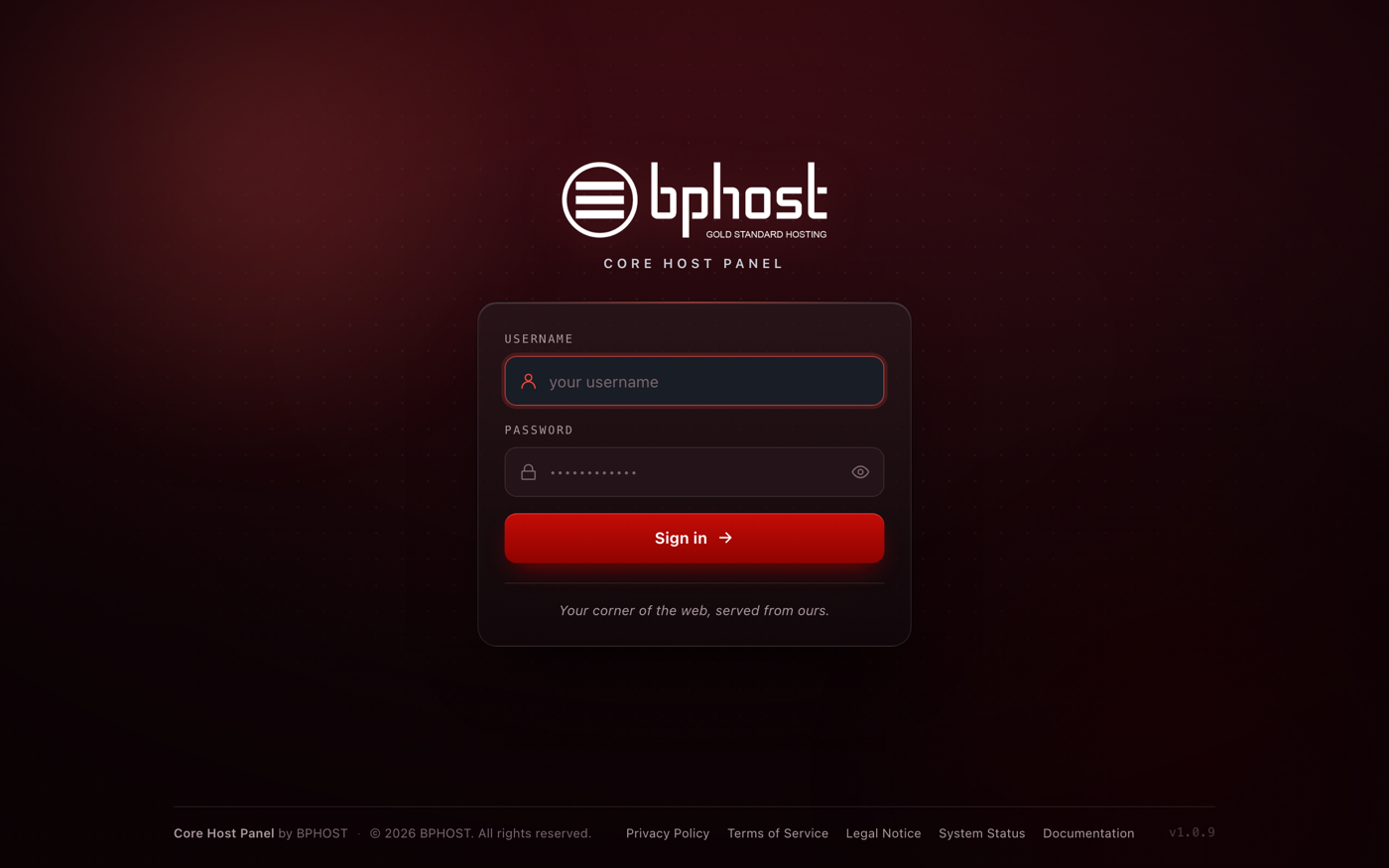
- Your CHPanel login: the address chpanel.bphost.biz, the email address you sign in with (your account email) and your CHPanel password.
- Your nameservers: ns1.bphost.biz and ns2.bphost.biz.
- Your server details.
It does not contain your client-area password — that is the one you chose when you signed up at www.bphost.biz/my.
What to do first
- Save the email somewhere secure. There is no "forgot password" link on the CHPanel login page — if you lose the password, we reset it for you via a ticket.
- If your domain is registered elsewhere, set its nameservers to ns1.bphost.biz and ns2.bphost.biz at your registrar.
- Sign in to CHPanel, create your addresses under Email → Email Accounts, and build your website with File Manager or the Apps tab.
Three passwords, not one
You end up with three separate passwords: your client-area password (billing and tickets), your CHPanel password (from this email) and a password for each email mailbox you create. They are not linked — changing one does not change the others.
Did not get it?
Check your spam folder first. Still nothing? Open a support ticket and we will resend your details.