Getting started with BPHOST: your first steps
Welcome to BPHOST! This quick guide covers your first steps after signing up, so you can get online with confidence.
1. Log in to your client area
Sign in to your client area with the email address and password you chose at signup. This is your home base for services, invoices, domains and support tickets.
2. Find your account details
When your hosting is set up we email you a welcome message with your CHPanel password and your nameservers. Keep it safe: CHPanel has no "forgot password" link, so if you lose that password we reset it for you via a ticket.
3. Open CHPanel
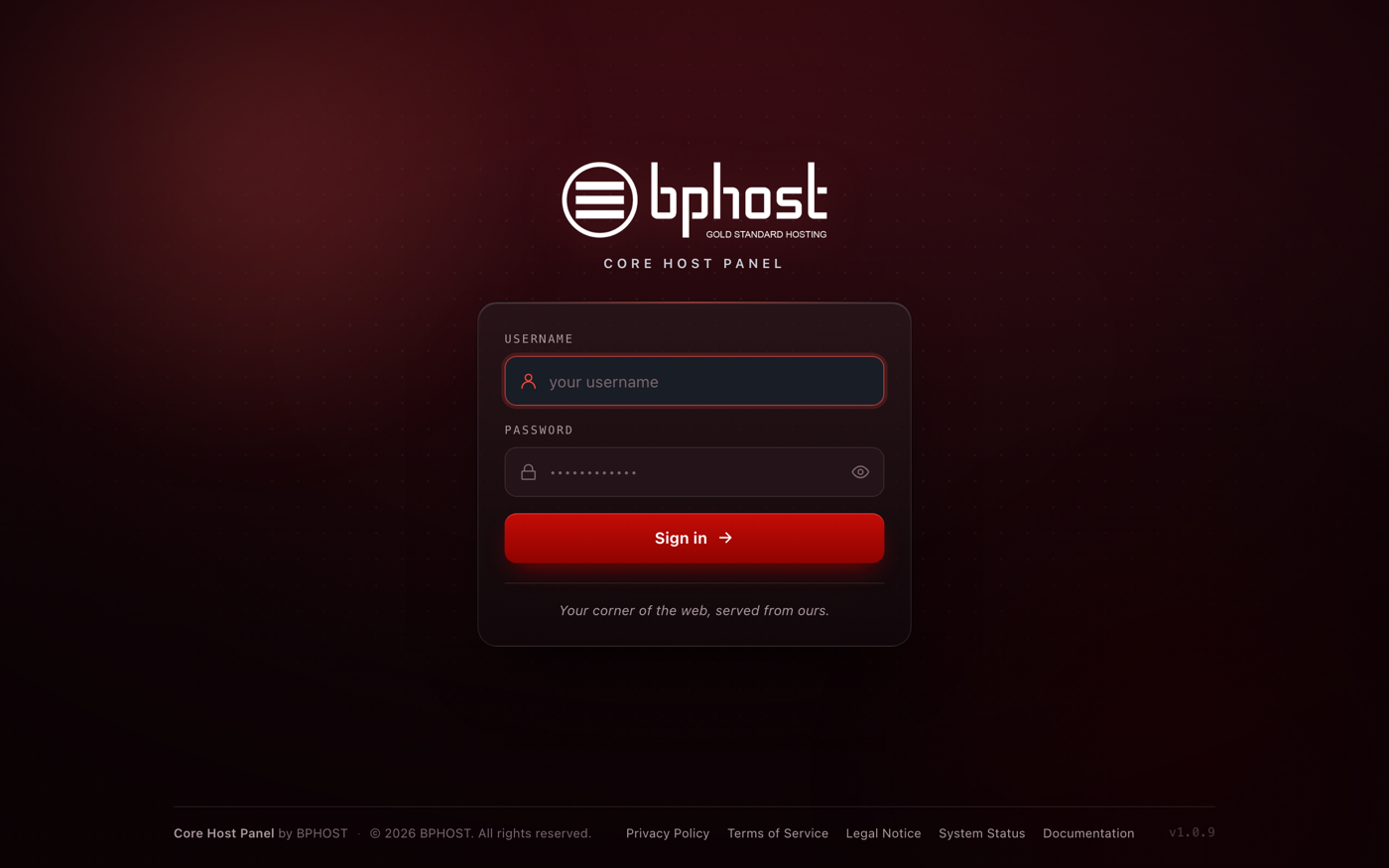
CHPanel is where you manage files, email, databases and domains. Go to chpanel.bphost.biz and sign in with the email address on your hosting account as the username and your CHPanel password. It is a separate login from the client area, with its own password, and there is no button that takes you from one to the other. The CHPanel category of this knowledgebase has step-by-step guides for every tool.
4. Point your domain
If you registered your domain with us, it already points to your hosting. If it is registered elsewhere, set its nameservers to ns1.bphost.biz and ns2.bphost.biz at your registrar. DNS changes usually take a few hours to take effect.
5. Build your website and email
Install WordPress from the Apps tab in CHPanel, or upload your own site with File Manager under Files. Then create your addresses under Email → Email Accounts.
Need a hand?
Our team is here to help. Open a support ticket any time and we will get you sorted.